

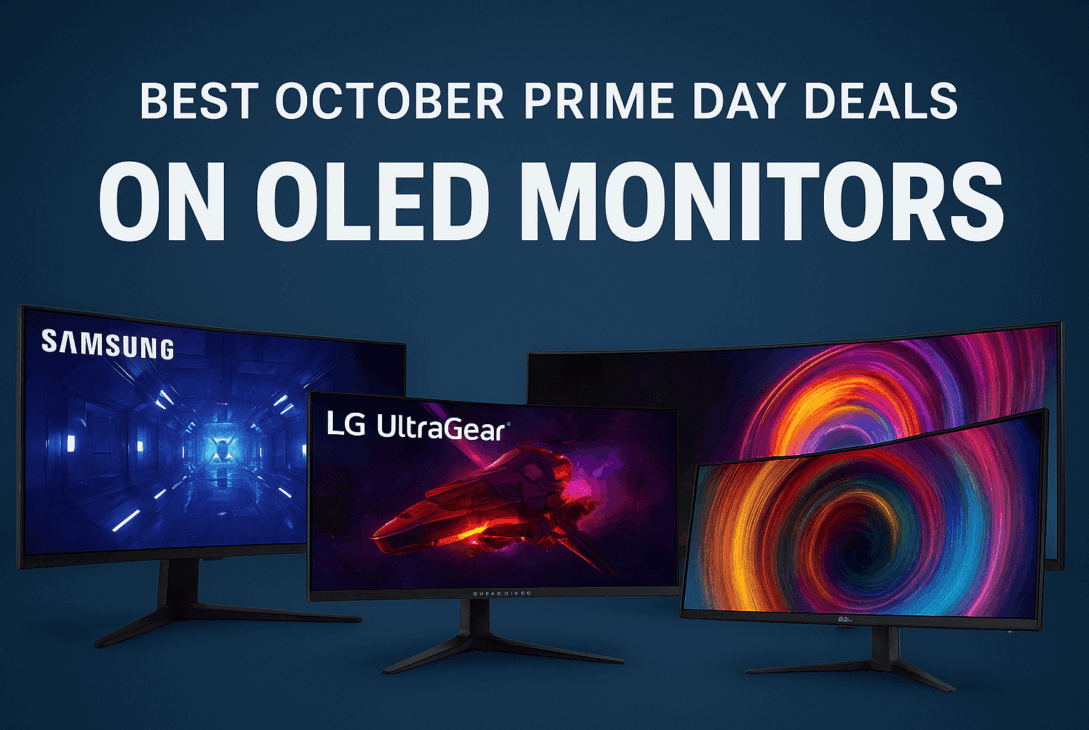
Amazon’s October Prime Day Monitor Deals are live from October 7–8, and it’s one of the best times to grab a new monitor. While the July sale focused more on laptops and phones, the October event usually highlights monitors from ultra-wide screens to fast gaming displays and work setups. Some early discounts are already available, and a few might even last beyond the 2-day sale.
If you’ve been thinking about upgrading your screen for gaming, work, or studying, this is a great time to do it. Below, you’ll find a quick guide to the best deals and tips on choosing the right type of monitor for your needs.
Best October Prime Day deals on OLED monitors
- Samsung 49″ 1440p 240Hz OLED Gaming Monitor — $679.99 ($320 off)
- LG UltraGear 34″ 1440p 240Hz OLED Gaming Monitor — $696.99 ($603 off)
- ASUS ROG Strix 27” 1440P OLED Gaming Monitor — $584 ($115 off)
- Alienware 26.7″ 1440p 360Hz OLED Gaming Monitor — $570.99 ($329 off)
- MSI 49″ 1440p 240Hz OLED Gaming Monitor — $899.99 ($300 off)
- LG 45″ 45GX950A-B OLED Gaming Monitor — $1,599 ($400 off)
Best October Prime Day deals on Gaming Monitors
- Alienware 34″ AW3423DWF QD-OLED — $521 ($178 off)
- LG 27″ UltraGear 27GL83A-B Gaming Monitor — $258 ($41 off)
- Alienware 27″ AW2725QF Gaming Monitor— $455 ($134 off)
- Samsung 34″ Odyssey G5 Gaming Monitor— $259 ($140 off)
- Asus 31″ TUF Gaming VG32WQ3B Gaming Monitor— $249 ($40 off)
- Samsung 32″ Odyssey G6 Gaming Monitor— $437 ($362 off)
Also Read: Best Prime Day Beauty Deals 2025
Tips for Picking the Right Monitor
Match Size & Distance
- 24–27 inches is ideal for desks where the screen sits ~50–70 cm away.
- 32 inches and beyond works well if you want immersive viewing, or if your desk is deep.
- Ultrawides (34–49”) are great for multitasking, immersive visuals, or replacing multi-monitor setups.
Resolution & Refresh Rate Tradeoff
- 4K / QHD delivers crisp text and visuals but often caps refresh rates (e.g., 120–240 Hz).
- 1080p is easier to push in competitive gaming if your GPU isn’t top-tier.
- For most gamers, anything above 120 Hz is noticeably smoother—higher rates (165, 240 Hz) help in fast-paced titles.
Panel Type & Features
- OLED / QD-OLED: top-tier contrast, fast response, vibrant visuals (but risk of burn-in if static images remain for too long).
- IPS / IPS Black: better color accuracy and viewing angles, ideal for design and general use.
- VA / Curved VA: better contrast; works well in darker rooms or for curved displays.
- Look for Adaptive Sync (FreeSync / G-Sync) to reduce tearing.
- Prefer USB-C / Thunderbolt if you want to power your laptop and transmit display over one cable.
- HDR, color space (sRGB, DCI-P3, Adobe RGB), and peak brightness matter if you work with color or watch HDR content.
Final Thoughts
October’s Big Deal Days is arguably the best time this year to upgrade your monitor whether that means chasing bleeding-edge OLEDs, solid 4K productivity panels, or budget-friendly upgrades. Price drops are already in progress, and some of them might last beyond the main sale window. Keep your eye on models you want, act swiftly when discounts land, and you’ll likely land a top-tier display at some of the lowest prices we’ll see in 2025.
FAQ
Which brands are most dependable?
Samsung, Dell/Alienware, LG, ASUS, and Acer continue to dominate the premium market thanks to consistent quality and support.
Is OLED worth it for gaming?
Yes, if you want perfect blacks, fast response, and visual punch. OLED is especially compelling for immersive gaming and HDR content.
Should you go ultrawide or stick with 27”?
Ultrawide is ideal for multitaskers, immersive gaming, or creative workflows. A 27″ panel suits users with limited desk space or who focus on general productivity.
Do refresh rates above 120 Hz matter?
For general productivity, no. For gaming, yes higher refresh rates (e.g. 165 Hz, 240 Hz) can make fast motion smoother, reduce input lag, and offer a competitive edge.


buy stromectol uk
buy stromectol uk